
Acoustic Modeling Software
Imagine trying to build a complex puzzle inside a dark room without seeing the pieces. Architects face a similar challenge when they design spaces meant for perfect sound quality. They cannot see sound waves, yet they must ensure every note reaches the audience clearly. To solve this, experts use digital tools that turn invisible energy into visible data points.
Using Digital Simulation Tools
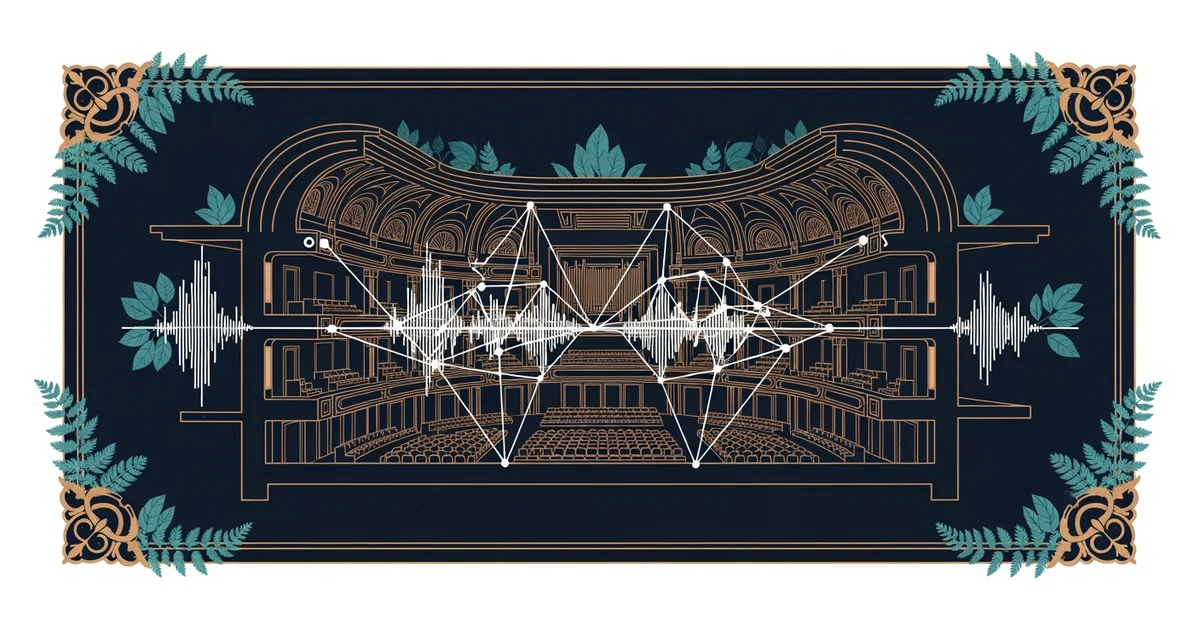
When designers use acoustic modeling software, they create a digital twin of a proposed room. This virtual model allows them to test how sound waves bounce off walls, ceilings, and floors. Imagine a billiard ball hitting cushions on a table; sound behaves in a similar way when it strikes hard surfaces. If the ball hits the wrong angle, it might miss the pocket entirely. Similarly, if sound waves hit a wall at a poor angle, they might create echoes that ruin the listening experience. By running these simulations, architects can adjust the shape of a room before breaking ground. This saves massive amounts of money and time by preventing costly errors in the actual structure.
Key term: Acoustic modeling software — a digital tool that simulates how sound waves interact with physical surfaces inside a room.
These programs rely on advanced math to track thousands of individual sound rays at once. Each ray represents a tiny piece of energy traveling through the air until it hits a boundary. When the software calculates these collisions, it provides a heat map of the space. Designers look for areas where sound might get trapped or where it might become too quiet. They then adjust the materials or the angles of the walls to fix these issues. This process is like tuning a musical instrument before a big performance. Without these tools, builders would have to guess how a room sounds, which often leads to poor results.
Analyzing Sound Behavior in Virtual Spaces
Designers must consider how different materials change the way sound travels throughout the room. Some surfaces soak up energy like a sponge, while others reflect it back into the space. The software tracks these interactions to ensure the room meets specific goals for speech or music. The following table shows how different design choices impact the final sound quality within a virtual model:
| Surface Type | Sound Effect | Primary Use Case |
|---|---|---|
| Hard Concrete | High Reflection | Concert Halls |
| Soft Fabric | High Absorption | Recording Studios |
| Wood Panels | Balanced Diffusion | Lecture Theaters |
By comparing these choices in the software, architects find the perfect balance for the room. They might place soft panels on the back wall to prevent echoes. They might place reflective wood on the ceiling to help sound reach the back rows. This level of control was impossible before digital tools became standard in the industry. It allows for creative designs that would be too risky to build using only traditional methods. The software acts as a safety net for the architect's vision.
Finally, the software allows for real-time testing of different occupancy levels in a space. A room filled with people sounds very different from an empty room because bodies absorb sound energy. Architects input data about how many people will be in the room during a typical event. The software then predicts how the sound quality changes as the crowd size shifts. This ensures that the room performs well whether it is half-full or completely packed. This attention to detail is what separates a mediocre space from a world-class venue. It turns the guesswork of the past into a precise science of the future.
Digital modeling software allows architects to visualize and refine sound behavior before construction begins.
But what does it look like in practice when we apply these principles to a massive concert hall?