
Provider Communication Tools
A doctor tries to reach a nurse about a patient but finds the clinic phone line busy. This common bottleneck slows down urgent care and forces staff to rely on outdated methods like physical paper notes. Efficiency in a medical setting depends on how quickly team members share vital information without breaking privacy rules. When communication fails, patient safety suffers and daily tasks become harder to manage.
Choosing Secure Messaging Platforms
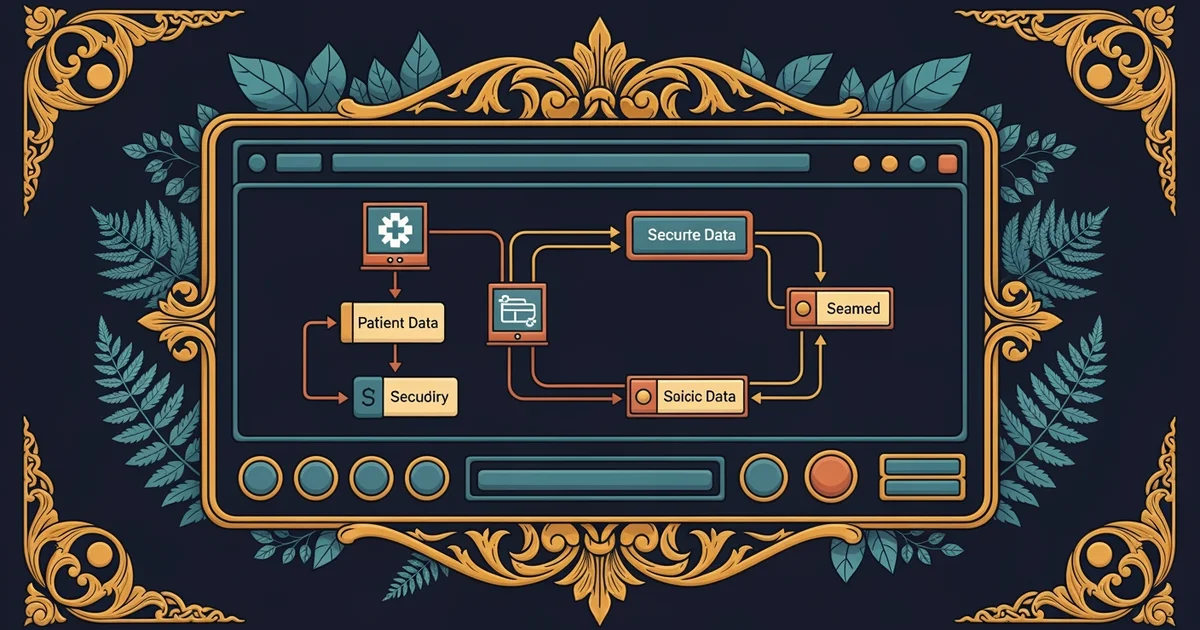
Clinical teams must select secure messaging platforms that protect private health data during every digital exchange. These tools differ from standard texting apps because they include encryption to keep medical records hidden from unauthorized parties. A clinic functions like a complex engine where every part needs constant lubrication to avoid friction. If the oil, which represents clear communication, is missing, the entire machine eventually grinds to a halt. Selecting the right software requires balancing ease of use with strict legal requirements for data safety. Staff members need systems that allow for quick updates without compromising the integrity of the patient file.
Key term: Secure messaging — a digital communication method that uses encryption to ensure that sensitive health information remains private during transmission between healthcare providers.
When evaluating these tools, clinics should focus on specific features that support their daily workflow. The following list highlights essential capabilities that every clinic should look for when choosing a new platform:
- Real-time notifications ensure that urgent messages reach the provider immediately, which prevents delays in critical care decisions.
- Audit trails record every interaction within the system, providing a clear history of who accessed data and when that access occurred.
- Integration with existing software allows the messaging tool to pull data from patient records, reducing the need for manual data entry.
- Role-based access control limits data visibility to only those staff members who need specific information to perform their assigned clinical duties.
Evaluating Compliance and Workflow
After narrowing the choices, leadership must evaluate if the platform meets all regulatory standards for protecting information. Compliance is not just a legal checklist, but a foundational requirement for building trust with patients. If a tool is too difficult to navigate, providers might bypass it, creating security gaps that endanger the entire clinic. A system that is easy to adopt encourages better habits across the whole medical team. Regular testing of these tools helps identify hidden flaws before they impact patient outcomes or daily operations. By prioritizing security and usability together, clinics create a digital environment where providers can focus on medicine rather than technical hurdles.
| Feature Type | Primary Purpose | Impact on Workflow | Benefit to Patient |
|---|---|---|---|
| Encryption | Data Security | Prevents leaks | Privacy protection |
| Notifications | Speed of Care | Reduces wait times | Faster treatment |
| Audit Logs | Accountability | Ensures compliance | Trust in system |
Evaluating these features requires a structured approach that involves input from all clinic staff members. Doctors, nurses, and administrative assistants all have unique needs that the chosen platform must address effectively. When everyone participates in the selection process, the transition to a new tool becomes much smoother and more successful. This collaborative effort ensures that the chosen technology supports the actual needs of the clinic rather than just adding extra administrative tasks to the day. Constant review of these communication tools allows clinics to adapt to new challenges while keeping patient care at the center of every decision.
Effective communication tools protect sensitive data while removing the technical barriers that prevent medical teams from coordinating care efficiently.
Virtual rooming procedures will build on this foundation by showing how these communication tools help prepare the physical space for patient visits.
This content is educational only and does not constitute medical advice. Always consult a qualified healthcare professional for personal health decisions.