
Virtualization and Abstraction
Imagine trying to run ten different video games on a single console at the exact same time without the system crashing or freezing. You would need a way to divide the hardware resources so that each game thinks it has the entire machine to itself, even though they are all sharing the same physical parts. This is exactly how modern computers manage heavy workloads by creating digital environments that mimic real hardware. By separating the software from the physical machine, engineers can maximize efficiency and prevent one faulty program from ruining the entire system's performance.
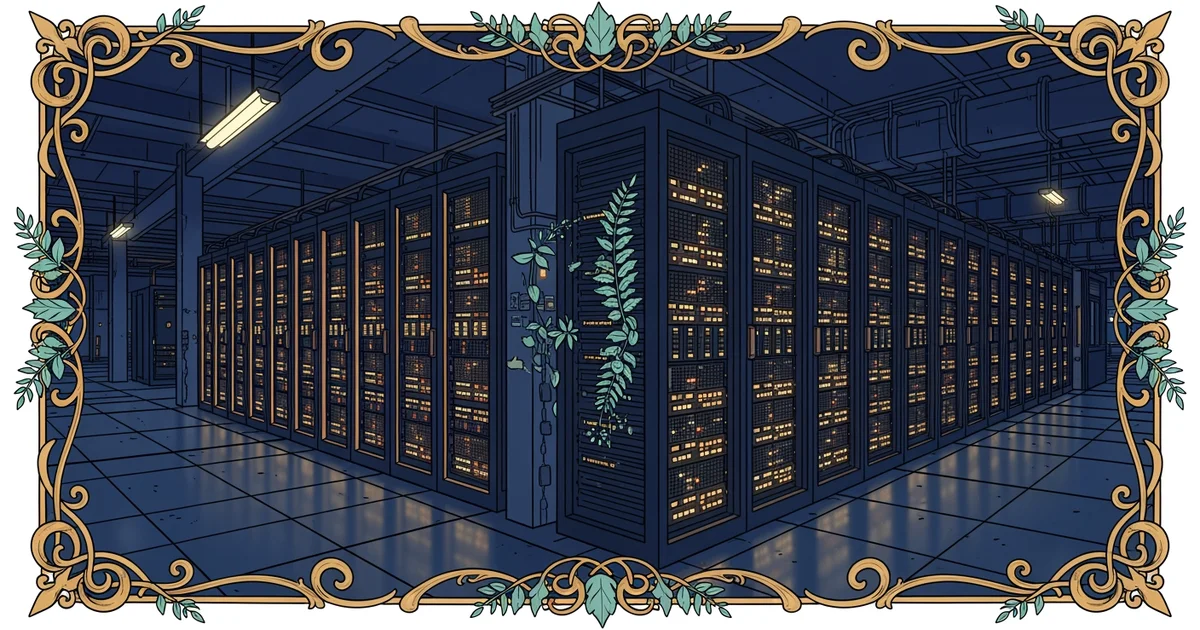
The Concept of Hardware Abstraction
Software engineers use a process called virtualization to create these isolated environments, which act like independent computers inside one physical host. This layer of software acts as a mediator, sitting between the physical hardware and the programs that need to run on it. Think of this like a hotel manager who assigns different rooms to guests while the building foundation remains the same for everyone. The guests do not need to know how the plumbing or the electrical wiring works behind the walls to stay comfortable. They only interact with their own room, which provides them with all the necessary amenities. By hiding the complexity of the physical server, this system allows multiple operating systems to run side by side without causing conflicts or data errors.
Key term: Virtualization — the process of creating a software-based representation of physical hardware that allows multiple operating systems to run on one machine.
This abstraction layer ensures that users can manage digital resources with much greater flexibility than they could with physical hardware alone. If a specific virtual machine needs more memory or processing speed, the system administrator can adjust those settings instantly without physically opening the server cabinet. This capability is vital for businesses that need to scale their operations quickly based on changing user demand. Instead of buying new hardware for every new task, they simply create more virtual instances on their existing equipment. This shift from physical to virtual management is the primary reason that modern cloud platforms can host millions of users across the globe without collapsing under the weight of constant data processing.
Comparing Physical and Virtual Resources
To understand how these layers interact, we must look at how they differ in their operational scope and management style. Physical hardware refers to the tangible components like processors, memory sticks, and storage drives that you can touch. A virtual machine is a software construct that borrows these physical assets to perform tasks. The following table highlights how these two concepts differ in their day-to-day application within a data center environment.
| Feature | Physical Hardware | Virtual Machine |
|---|---|---|
| Setup Time | Days or weeks | Seconds or minutes |
| Flexibility | Very limited | Highly dynamic |
| Resource Use | Fixed per device | Shared across many |
| Maintenance | Requires manual labor | Automated via software |
This structural difference allows for much higher density in modern computing facilities, as you can pack dozens of virtual machines onto a single physical server. Each virtual machine operates as a self-contained unit, meaning that if one instance crashes due to a software bug, the others remain completely unaffected. This reliability is the foundation of the modern internet, ensuring that your digital services stay online even when individual software components fail. By decoupling the software from the hardware, engineers have created a resilient infrastructure that can adapt to any challenge.
Virtualization acts as a digital buffer that allows multiple software environments to share physical hardware without interfering with each other's operations.
Now that we understand how hardware is abstracted, we will explore how these virtual machines connect through network topology basics.