
The Basics of Photogrammetry
Imagine holding a small stone and wishing to display it inside a digital game world. You could try to draw it by hand, but capturing every tiny crack and uneven surface is nearly impossible for a human artist. Instead, you can use a camera to take many photos from every single angle around that object. These flat images contain enough hidden data to build a perfect digital copy of the item. This process is how we bridge the gap between our physical world and virtual reality.
The Mechanics of Photogrammetry
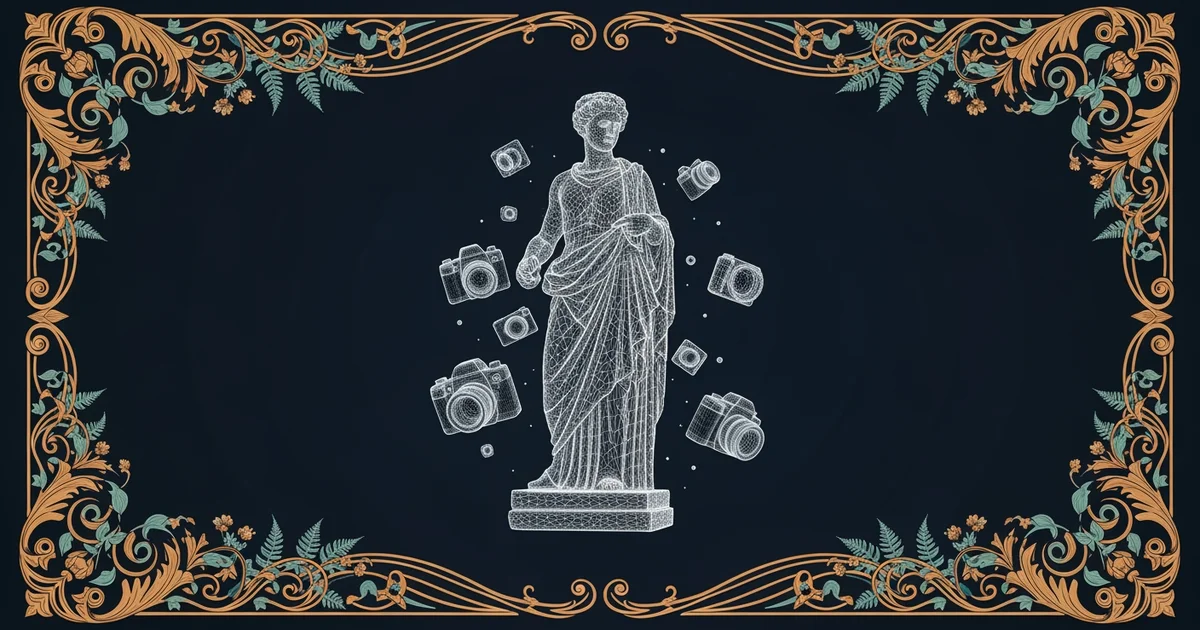
Photogrammetry is the clever science of calculating the position and shape of objects using photographs. You might think of it like a puzzle where the computer connects pieces of visual data together. If you take a photo of a mountain from one spot, you only see one side of it. By moving around the object, you gather multiple viewpoints that reveal depth and volume. The software identifies matching points in these different images to figure out where those points exist in 3D space. Think of it like a spider spinning a web between different anchor points to map out its entire environment.
Key term: Photogrammetry — a method of extracting three-dimensional information from two-dimensional images through complex mathematical calculations.
When you use this technique, you are essentially asking your computer to play detective with light. Each pixel in your photo acts as a clue about the surface of the object. The computer compares these clues across different photos to see how the surface bends or twists. If the computer finds the same detail in two different images, it calculates the distance between those two camera positions. This distance helps the software determine the exact shape of the object in the real world.
Why Multiple Images Matter
To build a high-quality model, you must provide the computer with enough visual information to fill in the gaps. If you only take two or three photos, the computer will have large holes in the final 3D model. You need many overlapping images to ensure every single surface area is clearly visible to the lens. This requirement is similar to how a map maker needs to survey land from many different angles. Without enough overlapping data, the software cannot guess the shape of the areas hidden from view.
Following a specific workflow ensures your final 3D object looks clean and accurate:
- Capture images with high overlap so that every part of the object appears in at least three photos.
- Maintain consistent lighting across all your shots to prevent the software from getting confused by changing shadows.
- Keep the object stationary while you move the camera around it to ensure the geometry remains perfectly stable.
- Avoid shiny or transparent surfaces because they reflect light in ways that trick the computer into seeing false depth.
| Process Step | Goal | Why It Is Important |
|---|---|---|
| Image Capture | Data | Ensures full coverage of the object surface |
| Alignment | Math | Connects photos to find the camera positions |
| Mesh Creation | Form | Builds the actual 3D geometry of the object |
| Texture Mapping | Look | Applies the real photo colors to the model |
By following these steps, you transform flat files into interactive assets for games or digital art. This path will guide you through the technical skills needed to master the entire 3D capture process.
Photogrammetry uses overlapping photographs to calculate the depth of physical objects and reconstruct them as interactive digital models.
By the end of this path, you will be able to capture, process, and refine your own high-quality 3D assets for any digital project.