
Digital Illustration Tools
When a professional illustrator starts a new project, they often face a blank canvas that feels overwhelming. Choosing the right digital tools is like picking the correct paintbrush for a specific canvas texture. In the early days of digital art, creators relied on basic mouse inputs to draw stiff lines. Modern artists now utilize advanced hardware that mimics the physical sensation of traditional pens on paper. This shift represents the digital illustration transition discussed in Station 1, where technology replaces physical media to improve speed. Mastering these tools allows you to focus on your narrative rather than fighting your equipment.
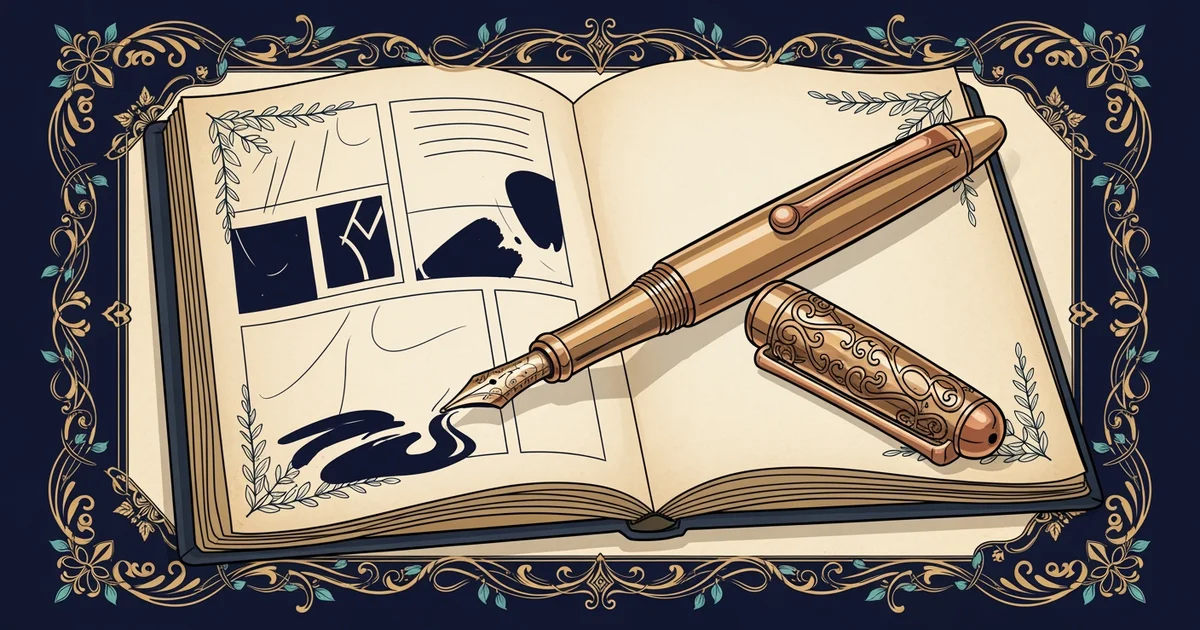
Essential Hardware and Software Features
To begin your digital journey, you must understand the primary components of your workstation setup. A graphics tablet acts as the bridge between your hand movements and the computer screen. These devices track pressure sensitivity, which means the software detects how hard you press down. Using this feature creates thin lines for details and thick lines for bold outlines. Most professional software includes a variety of brushes that simulate charcoal, oil paint, or ink pens. You should experiment with these settings to find which style fits your unique visual storytelling voice best.
Key term: Pressure sensitivity — the ability of a tablet to detect the force of your stroke to change line thickness.
Selecting the right software is just as important as choosing your physical input hardware today. Most professional tools offer a layered workspace that keeps your line art separate from your colors. This organization prevents you from accidentally erasing your hard work while you refine your final image. Many programs also include a stabilizer tool that smooths out shaky hand movements during long sessions. Using these features effectively turns a messy initial sketch into a clean and polished final result.
Workflow Optimization and Tool Management
Once you master the basics, you can organize your workflow to increase your daily output. Professional artists often use custom keyboard shortcuts to switch between tools without clicking through menus. This habit saves significant time when you need to toggle between an eraser and a brush. You should also utilize the undo function to test new ideas without the fear of making permanent mistakes. Think of your digital workspace like an office desk where every tool has a specific place. Keeping your digital files organized in folders helps you track progress as you complete each page.
Consider the following essential digital tools for your daily illustration process:
- Layers allow you to stack different elements of your drawing, which makes editing specific parts easy without affecting the entire image.
- Selection tools let you isolate a small area of your canvas to move, resize, or recolor it without touching the surrounding artwork.
- Color pickers enable you to sample any shade from your existing palette to maintain visual consistency across your entire graphic novel project.
Managing your digital assets requires a disciplined approach to ensure your files remain clean and easy to navigate. If you fail to name your layers, finding a specific character outline becomes very difficult later. You should adopt a naming convention that labels your background, character, and text layers clearly. This small habit prevents confusion when you return to a project after taking a break. Efficient file management is the backbone of any professional art studio, allowing you to scale your production as your skills grow over time.
Developing a structured digital workflow allows you to focus your creative energy on storytelling instead of technical frustrations.
But this digital efficiency model breaks down when your hardware settings do not match your personal drawing style.