
Signal Flow Basics
When you plug a microphone into an interface, you are starting a journey that converts sound into digital data. This process is like a series of pipes that carry water from a mountain spring directly to your home faucet. Just as water needs clean pipes to reach its destination without leaks, your audio needs a clear signal path to reach your audience without unwanted noise. If you understand how this path works, you can fix issues quickly when your stream goes silent or sounds distorted.
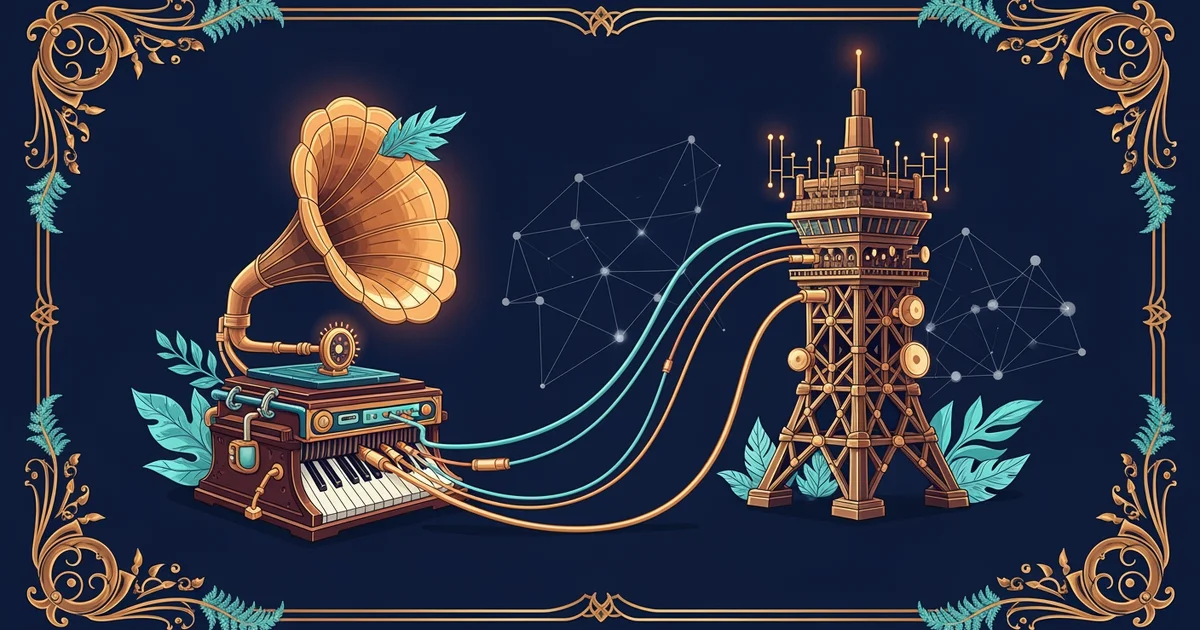
Mapping the Audio Journey
The first step involves the source, which is usually a microphone or a musical instrument. This device creates a small electrical current that represents the actual sound waves moving through the air. You must then send this signal through a cable to a preamplifier, which boosts the quiet signal to a usable level. Without this boost, the digital system would struggle to hear your input clearly. Think of the preamp as a volume magnifier that prepares your signal for the next stage of its long trip.
Once the signal is strong enough, it enters an analog-to-digital converter, often found inside your audio interface. This device samples the continuous electrical wave and turns it into a long string of binary numbers. Computers and streaming software can only process these numbers, so this conversion is the most vital part of the entire signal chain. If this conversion happens poorly, your audience hears clicks or pops instead of clear audio. You must ensure your interface settings match the requirements of your streaming software to keep the data flow steady.
Managing Signal Intensity
After the signal becomes digital, it enters your computer software for mixing and processing. You can adjust the balance between your voice and your music here to create a professional sound. You must watch your levels closely to avoid clipping, which happens when the signal becomes too loud for the digital system to handle. Clipping turns smooth audio into harsh, distorted noise that ruins the experience for your viewers. Managing these levels is like keeping your car within the speed limit to avoid a crash.
To keep your stream running smoothly, follow this standard signal order:
- The microphone captures acoustic energy and transforms it into a weak electrical signal that travels through cables to the interface.
- The preamplifier increases the strength of that weak signal so that the converter can read it with high accuracy and low noise.
- The interface converts those electrical pulses into digital binary data that your computer can store, edit, and send over the internet.
- The streaming software receives the digital data and packages it for distribution to your global audience through a network connection.
By following this path, you ensure that every part of your setup works in harmony to deliver high-quality sound. If you lose audio, you can trace the path backward from the software to the source to find the broken link. This systematic approach saves you time and keeps your audience happy during live performances. You should always check your connections and levels before you start your broadcast to prevent technical failures.
Reliable digital performance depends on tracing the signal path to ensure audio data moves cleanly from the source to the streaming software.
Now that you understand the path of your audio, we will explore the network requirements needed to push that data to your viewers without interruption.