
Assembly Modeling Techniques
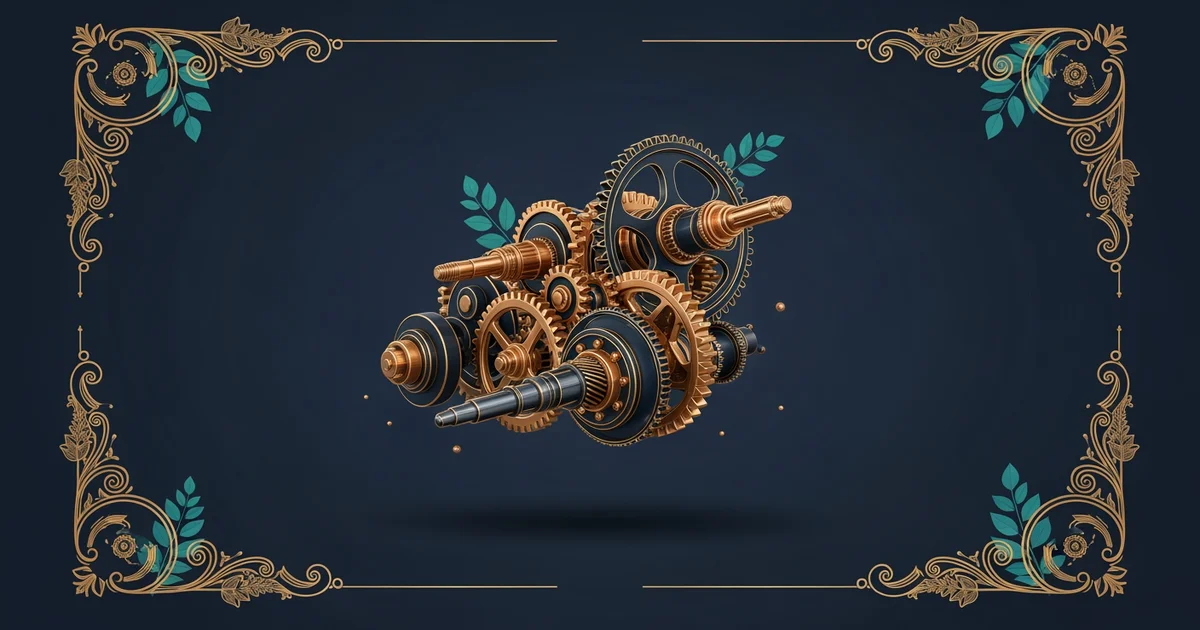
Imagine trying to build a complex bicycle without any instructions or a way to hold the parts together. You would hold the frame with one hand while trying to screw the pedals in with the other, leading to a frustrating and unstable result. Assembly modeling functions as a digital workbench where parts stay exactly where you place them until you decide to move them. It transforms a collection of individual digital shapes into a cohesive, working system that behaves like a real machine.
Establishing Relationships Between Components
When we start an assembly, we bring in individual parts and define how they relate to one another. This process uses assembly constraints to lock parts into specific positions or allow them to move in predictable ways. Think of these constraints like the rules of a game where pieces can only travel along specific paths. If you want a door to swing open, you apply a hinge constraint that restricts its movement to a single circular arc. Without these defined rules, your digital parts would simply float in space without any logical connection to the rest of the machine.
Key term: Assembly constraints — the geometric rules that define how parts connect and move relative to each other within a digital space.
Applying these constraints correctly prevents your model from collapsing when you try to simulate motion later on. You must carefully choose which surfaces, edges, or points will touch or align during the assembly process. Most software programs provide several standard types of connections to handle these requirements effectively:
- Mate constraints force two flat surfaces to touch or align perfectly, ensuring that parts sit flush against one another.
- Flush constraints align the faces of two parts so they share the same plane, which is useful for creating smooth exterior surfaces.
- Insert constraints combine alignment and contact, allowing you to snap a bolt into a hole or a peg into a socket.
Managing Complex Mechanical Interactions
Building a large machine requires more than just connecting two parts; it requires managing a hierarchy of sub-assemblies. A sub-assembly acts like a single component that you can move or edit without affecting the individual pieces inside it. This modular approach is similar to how a construction crew builds a house by first framing the walls in a shop before bringing them to the site. By grouping related parts, you keep your digital workspace organized and prevent the software from struggling with too many calculations at once.
| Constraint Type | Primary Function | Common Application |
|---|---|---|
| Mate | Join faces | Attaching a base plate to a frame |
| Flush | Align planes | Creating a flat side on a box |
| Insert | Align axes | Placing a screw into a threaded hole |
When your assembly grows in size, you must ensure that every part remains stable while maintaining the ability to test its functionality. If you do not anchor at least one component, the entire model will float away during simulation. Engineers often fix the base part in space, which serves as the anchor point for all other moving pieces. This foundational part provides a reference frame for every other component, allowing you to verify that the mechanism behaves as expected. When you change the dimensions of a single part, the assembly automatically updates to reflect those changes because the constraints remain active. This dynamic behavior is the true power of modern design software, as it allows you to iterate on your machine without rebuilding the entire structure from scratch.
Defining clear spatial relationships between components allows designers to build stable, functional systems that accurately represent physical machines.
But what does it look like when we move from static assembly to simulating how these parts interact during operation?
Want this with sources you can check?
Premium Learning Paths for Engineering & Robotics are researched against open-access libraries — PubMed, arXiv, government databases, and more — with their distinctive claims cited to real sources and independently checked.
See what Premium includes