
Topologies Explained
Imagine a busy city street where every single house needs to send mail to every other house. If each person builds a private road to every single neighbor, the city becomes a tangled mess of pavement and concrete. Digital networks face this exact same problem when they decide how to connect computers together. The physical layout of these connections is what experts call a network topology. Understanding these shapes helps engineers build systems that are efficient, reliable, and easy to fix when things break down.
Understanding Physical Layouts
When we talk about a network, we are looking at how cables or wireless signals link devices. A star topology functions like a central hub in a busy office building. All computers connect to one central switch, which acts like a traffic controller for data. If one cable breaks, only that specific computer loses its connection to the rest of the group. This design is very popular because it is easy to manage and troubleshoot when problems occur. The central device acts as the single point of control for all incoming and outgoing messages.
Key term: Star topology — a network layout where every device connects directly to a single central hub or switch.
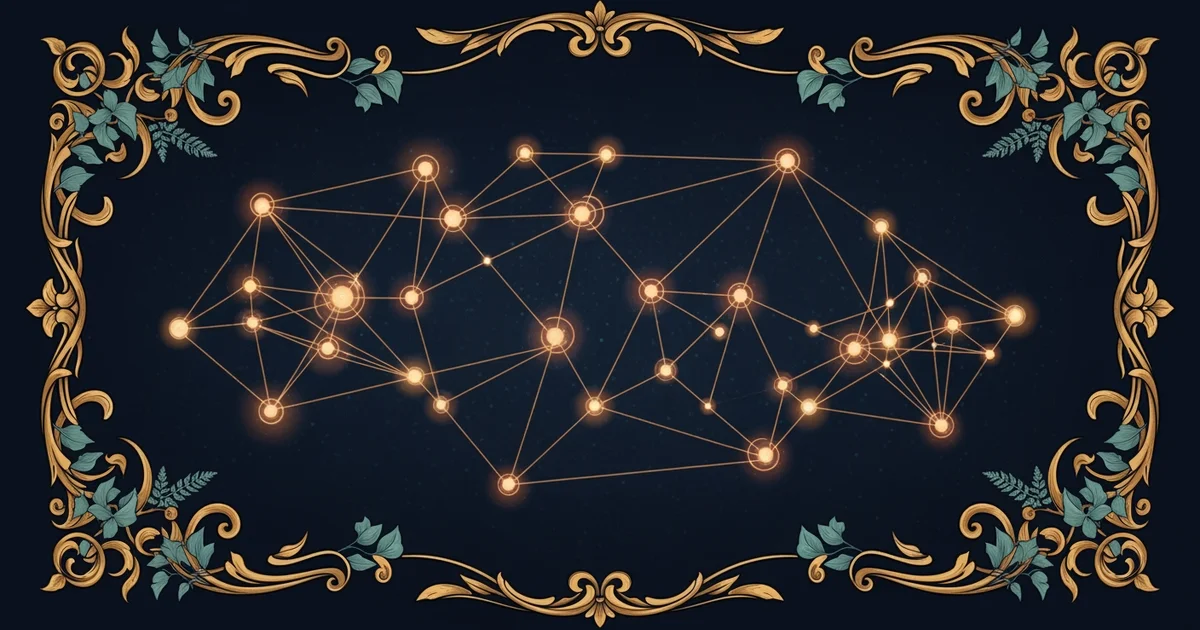
Building on this idea, we can look at a mesh topology which offers a different approach to reliability. In a mesh network, every device connects to several other devices instead of just one central hub. Think of this like a spider web where every strand connects to multiple other points. If one path fails, the data simply chooses another route to reach its final destination. This makes the system incredibly tough, but it also makes the setup much more expensive and complex to build. Most modern internet systems use a partial version of this to stay online constantly.
Comparing Network Designs
We can organize these different layout choices by looking at their primary strengths and their main weaknesses. Each design serves a different purpose depending on the needs of the organization using the network. The following table helps us see how these common layouts compare across three major categories of performance:
| Topology Type | Primary Strength | Main Weakness | Complexity Level |
|---|---|---|---|
| Star | Simple to manage | Central hub failure | Low to moderate |
| Mesh | High reliability | High cable cost | Very high |
| Bus | Low hardware cost | Single cable break | Moderate |
When you review this table, you can see why some designs are better for homes while others suit large data centers. A bus topology uses one long cable that connects everything, which is very cheap to install. However, if that one main cable gets cut, the entire network stops working instantly. This is why most professional networks prefer the star or mesh designs over older, simpler methods. Engineers must weigh the cost of extra cables against the need for constant uptime. Choosing the right shape is the first step in creating a network that can handle heavy traffic without crashing.
The diagram above shows how a star topology keeps devices separate while maintaining a central point of control. If Computer 1 needs to send a file to Computer 2, it sends the data to the switch first. The switch then forwards that information to the correct destination. This prevents data collisions that happen when too many devices try to talk at the same time. By keeping the paths clear, the switch ensures that the network stays fast and responsive for every user.
The physical arrangement of network devices determines how information flows and how the system reacts when a connection fails.
The next Station introduces protocol standards, which determines how devices communicate once the physical connection is established.